
Supporting your additional needs
If you have a disability, a physical or mental health condition, or just need extra support because your circumstances have changed, we have a range of ways to help make banking easier.
We offer a range of additional support
If you need extra support for any reason please let us know, as there are lots of simple changes we can make to help. We’ll also make a note of your needs, so you won’t have to explain each time you get in touch.
Tailored communications
- Get your statements in audio, large print or braille
- Ask us to speak more slowly or loudly on calls
- Let us know you use Relay UK
- Get longer appointments
- Tell us if you’re unable to get post or visit us in branch.
Extra support in our branches
- Use our hearing loops with your hearing aid
- Ask for a quiet and private space to talk
- Ask us to always look at you when we’re speaking
- Communicate with us in British Sign Language or using your Lipspeaker.
Things we can keep in mind
- You might use involuntary words or sounds
- Your mood might affect how you respond
- You might need help with numbers or reading
- You might need support with Online Banking or our app.
Services, guides and resources

Blind or visual impairment
Practical ways to make banking easier if you’re blind, have sight impairment or difficulty reading.

Hearing and speech
Find out how we can help if you’re deaf, hard of hearing or have a speech impairment.
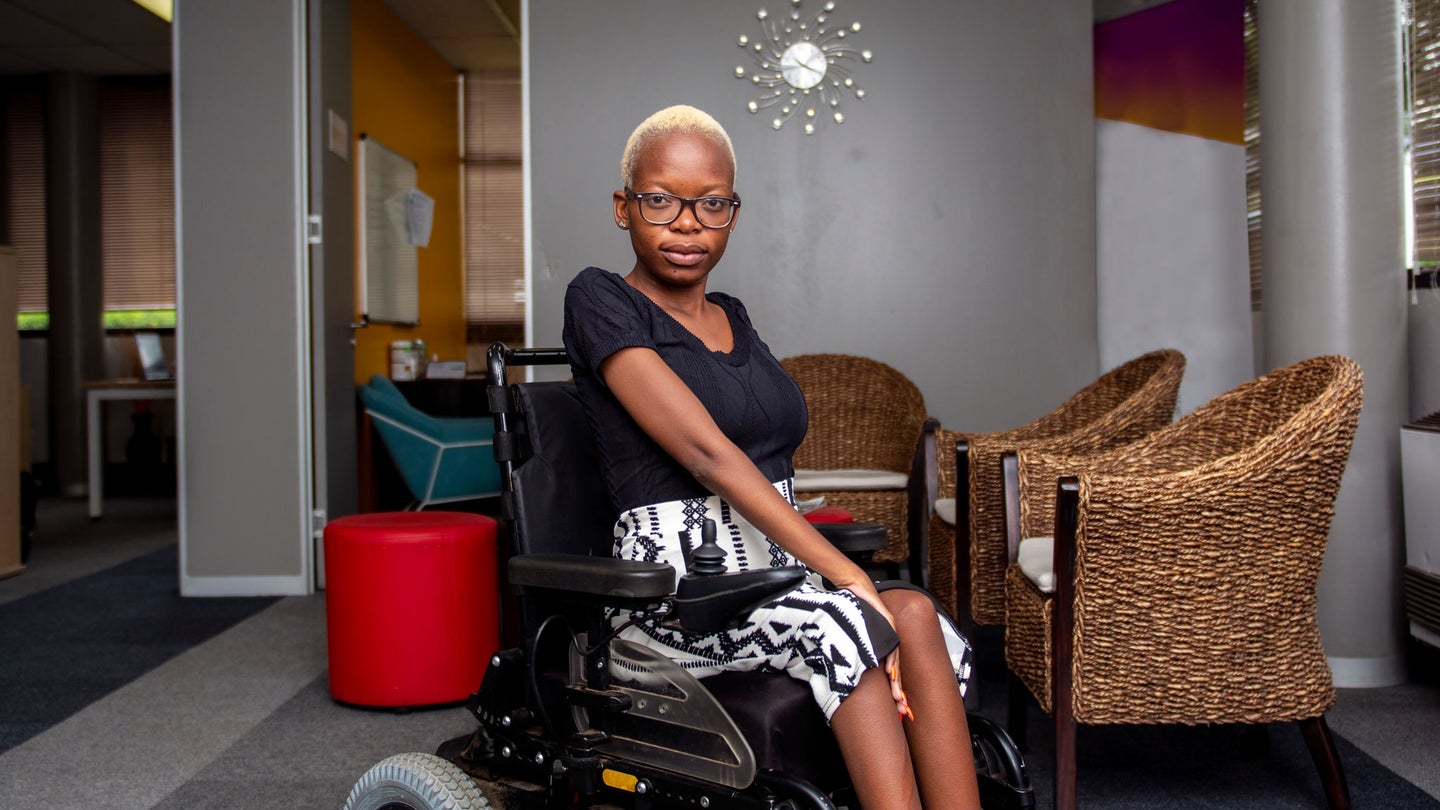
Mobility or dexterity impairment
Tools you may find useful to access our branches and services if you have mobility or dexterity issues.

Neurodiversity
Explore ways to access our products, services and space if you’re neurodivergent.

Living with illness or disability
How to get the right support with your money and your wellbeing.


Money worries
Get practical guidance and find out how we can help if you’re worried about your finances.

Building confidence with money and everyday skills
Digital Wings helps people feel more secure and confident in managing their money and making informed choices.

Mental health and your money
Learn the signs of mental health problems, and get tips on managing your finances.


Compulsive spending
If you’re worried about how much you spend, here are some ways to help you cut down.

Money management
Learn about budgeting basics and smart ways to save. Plus, explore tools to help you take control of your money.
Manage your debit card
Find out how to view your card and PIN details, set payment limits on your card and block payments to some types of retailers.
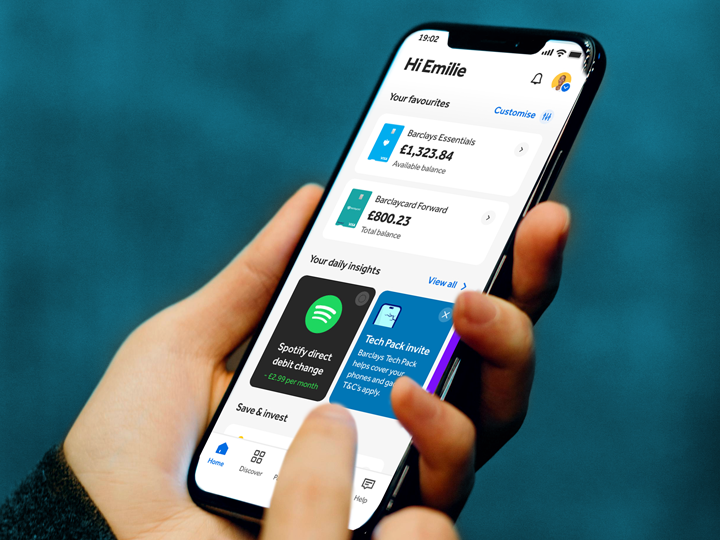
The Nova Bank app
Find out how our app can help you access our services, manage your accounts and stay in control of your money.

Third-party access to bank accounts
We explain the different types of third-party access available if you or someone else needs help managing their money.
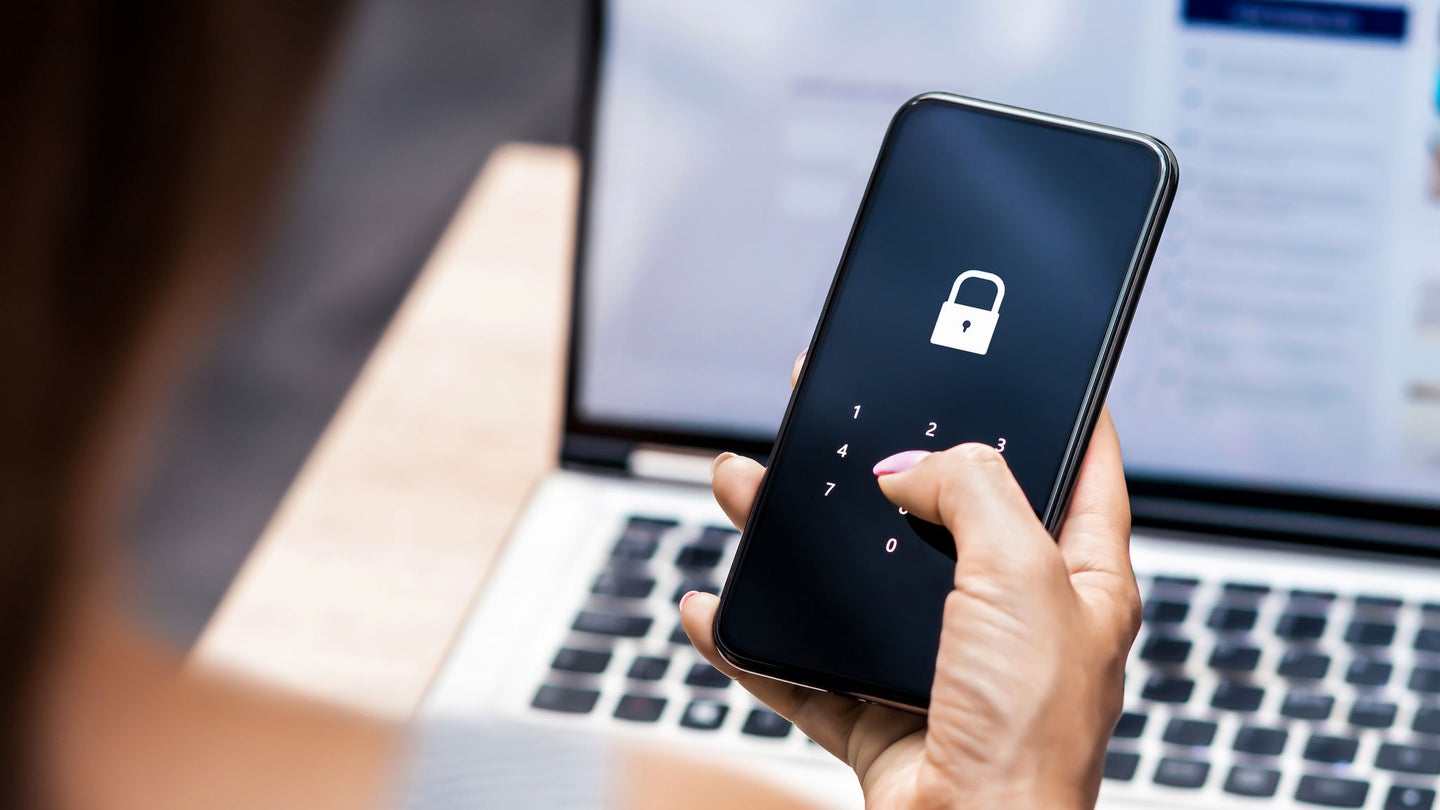
Protect yourself from scams
Learn about different types of scams and the latest tactics scammers are using.

Help with financial abuse
See how to spot the signs of financial abuse, and find out how we can help.

If you’ve lost your job
See how you can plan your next steps if you find yourself out of regular work.

What to do when someone dies
How we can support if you’re dealing with the financial affairs of someone who’s passed away.
How to tell us about your additional needs
If you need additional support with your banking, there are several ways to let us know.
In our app
If you have the Nova Bank app(1), go to your profile and select ‘Need additional support?’.
In Online Banking
In Online Banking, go to ‘Help and support’, then select ‘Tell us if you need additional support’.
Over the phone
Contact us using Telephone Banking – you can use Relay UK or SignVideo if you need to.
In person
Visit any of our branches or Nova Bank Local sites. You don’t need an appointment to do this.
Accessibility information
Device settings
Find out how you can make your device or computer easier to use – we worked with disability charity AbilityNet to create this guide.
Our commitment to accessibility
Our aim is, and always has been, to provide accessible services for everyone. Our accessibility statement explains our approach and ambitions.
Banking made clearer
We wrote this short guide to banking in partnership with the British Institute of Learning Disabilities. It uses simple, clear language with lots of imagery.
Open a Nova Bank Bank Account
Scan the QR code using your phone camera to get started
Scan the QR code with your phone or tablet, or tap the App Store or Google Play buttons below to download the app and begin your application. T&Cs and eligibility apply. 18+ and UK only.


Important information
-
You need to be 11 or over to use the app, and you need to be 16 or over to record your support preferences in the app. T&Cs apply(Return to reference)