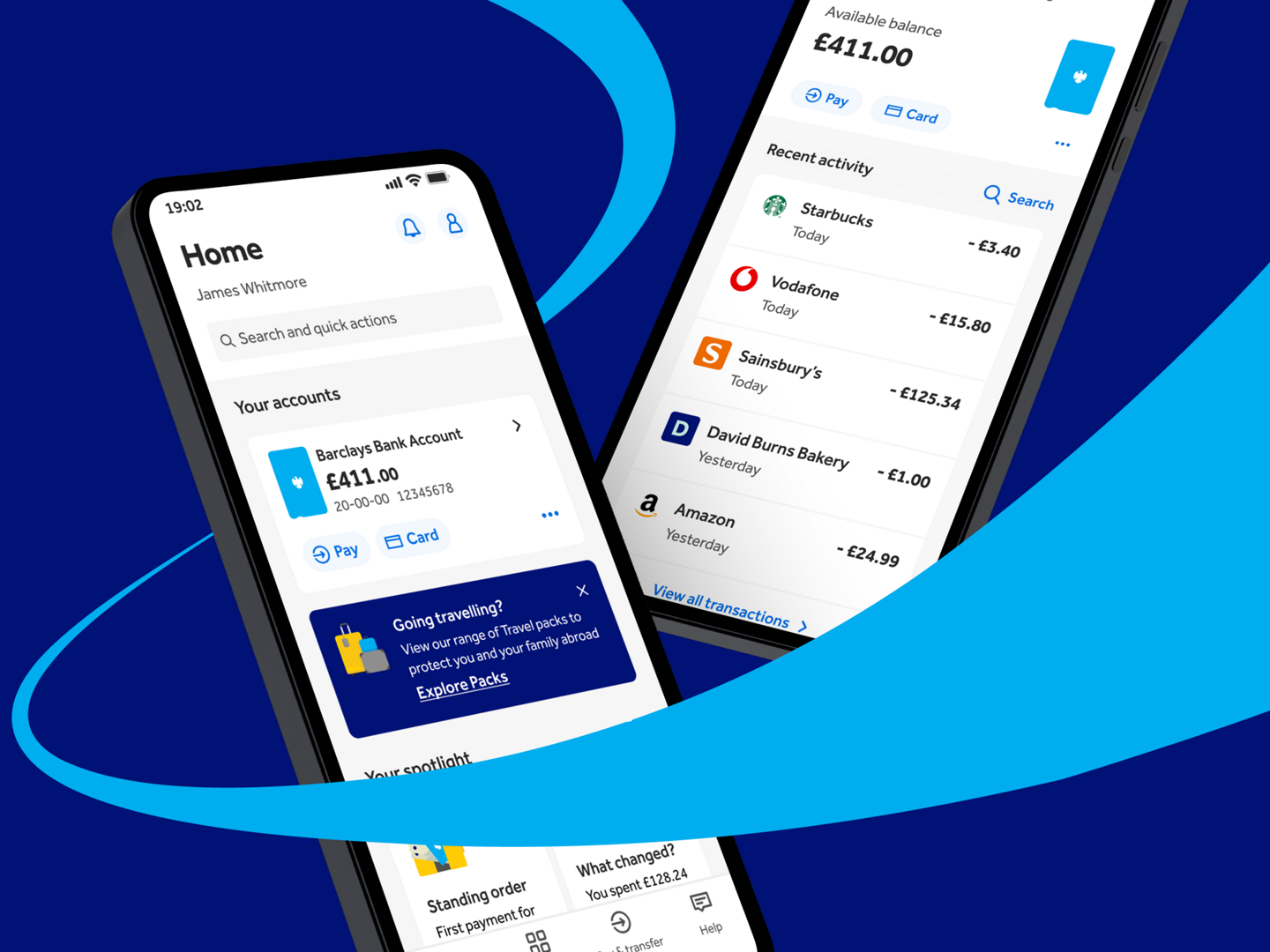
Your Nova Bank app just got better
We’ve made the Nova Bank app even faster, smarter and easier to use. Explore what else has changed and enjoy an even better way to bank.(1)
A fresh new experience
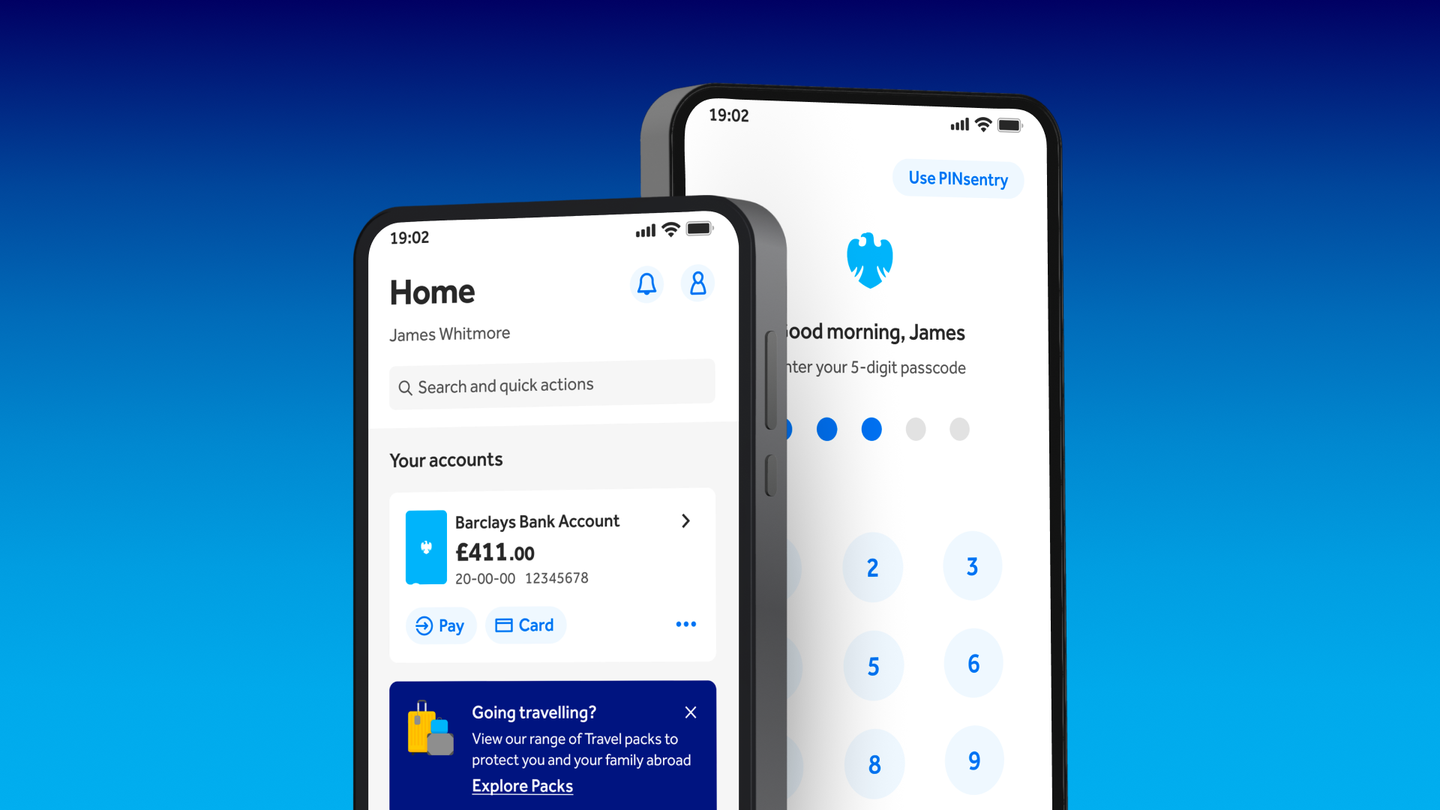
A smarter, more personal home page designed around you. See what matters most at a glance, take quick actions and discover helpful insights and features – all in one place, so you can get things done faster.
If you have more than one account, use the ‘reorder’ option to organise your accounts. Only pinned accounts appear on Home. If you reordered or hid accounts in the previous version of the app, you might need to set your preferences again.
You may notice that your app looks different to the version on this page. As part of a phased roll out, some customers may see updates at different times and in different combinations while we continue to improve the experience. Your services remain uninterrupted, so keep banking as usual.
Account overview and transactions
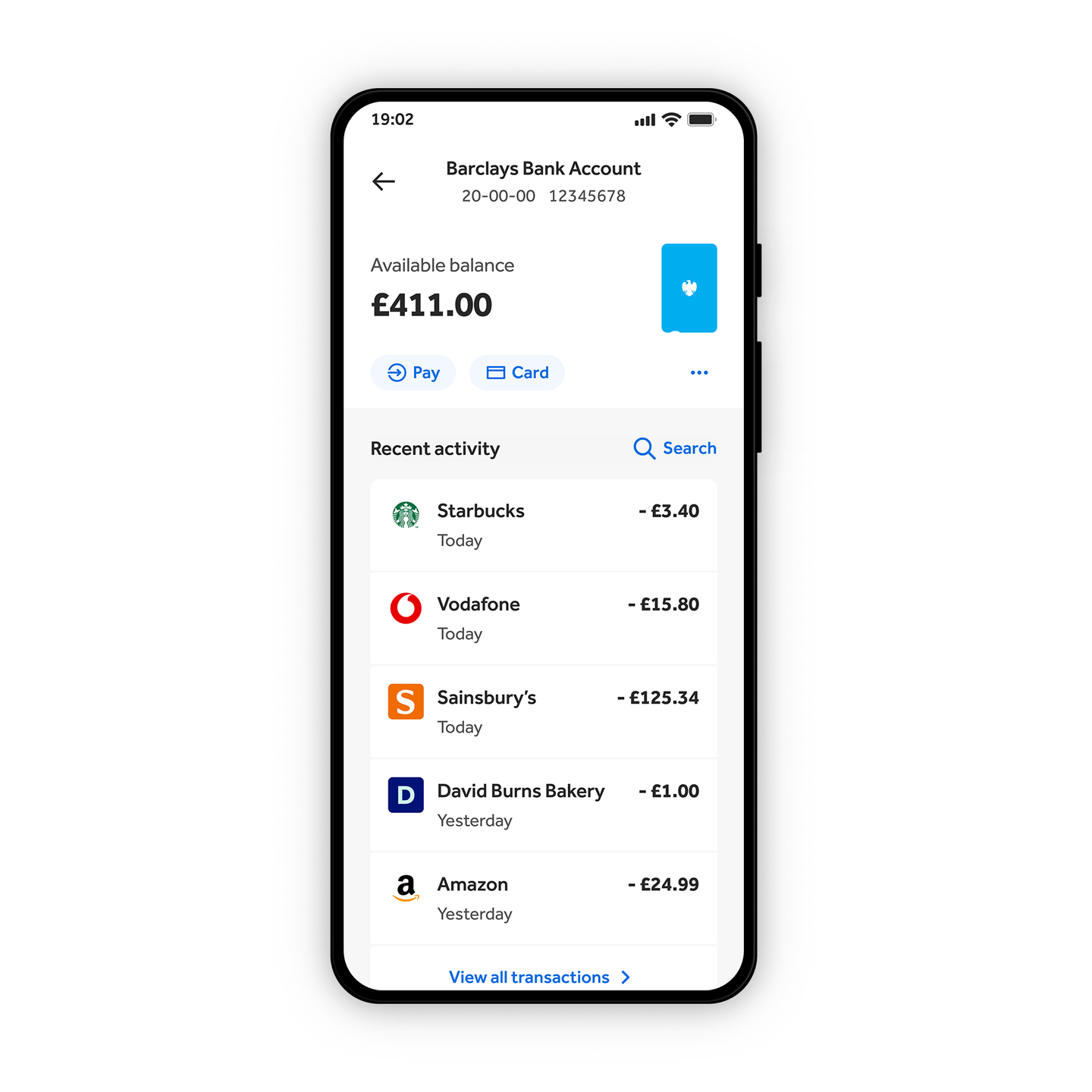
Everything you need, now easier to find and use – stay on top of every transaction, quickly check your balance, track recent activity and tap into detailed information, so you always know where your money’s going.
Faster access to statements and documents
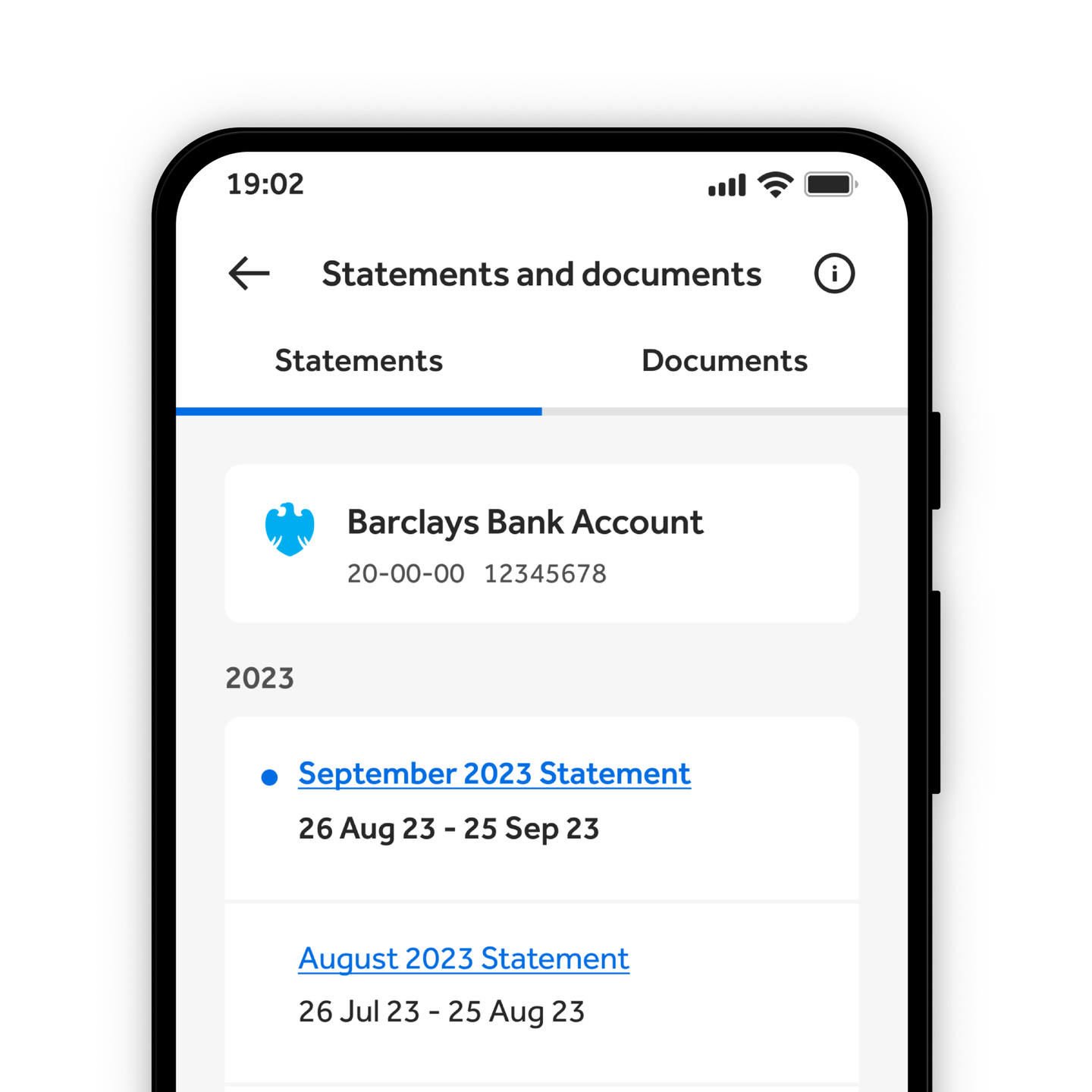
View and download your statements and documents in just a few taps. Everything’s organised in one place, so you can quickly find what you need, check past activity and keep track of your spending over time.
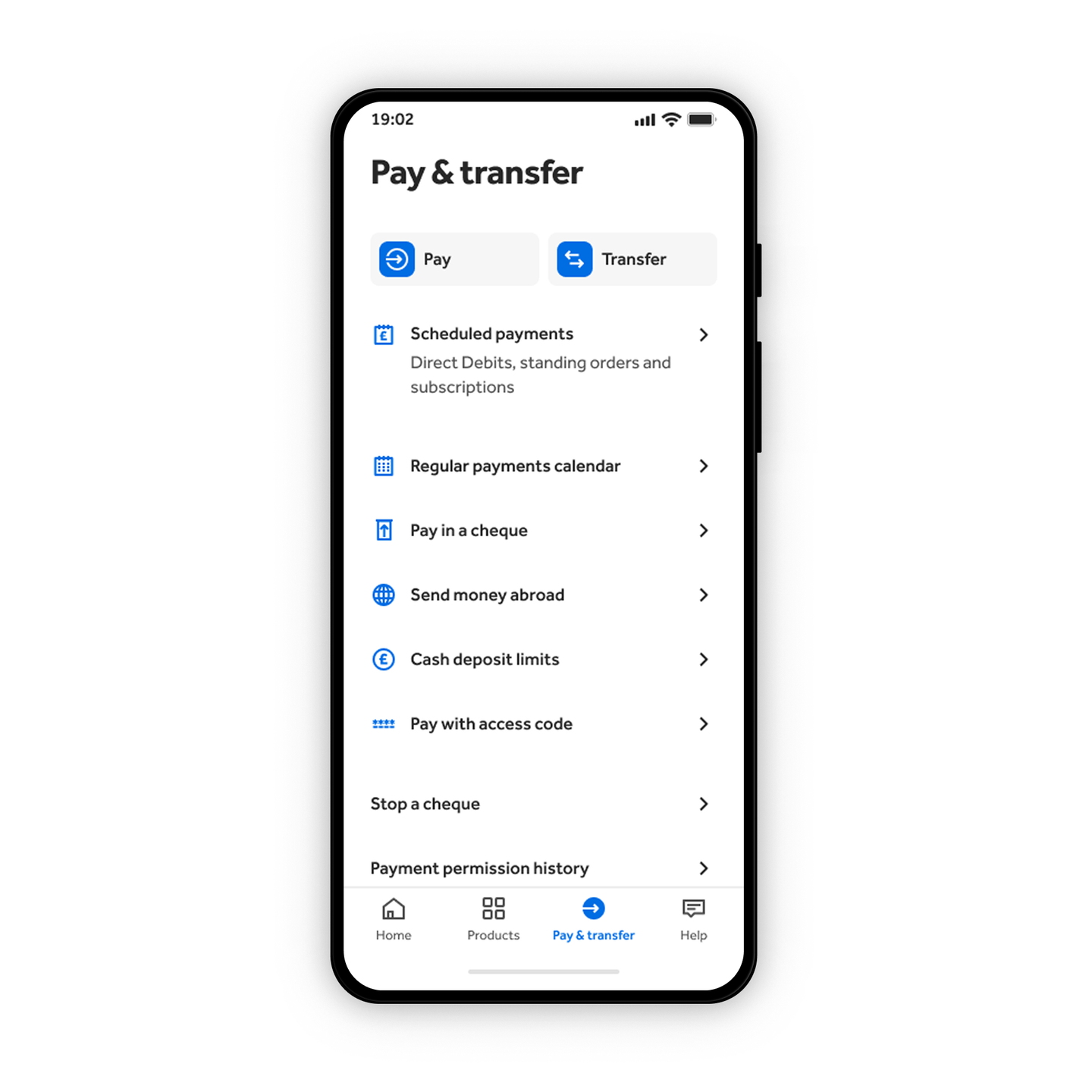
Pay and transfer with ease
Send money, make payments and transfer between your accounts in fewer steps, so you can move your money with ease.
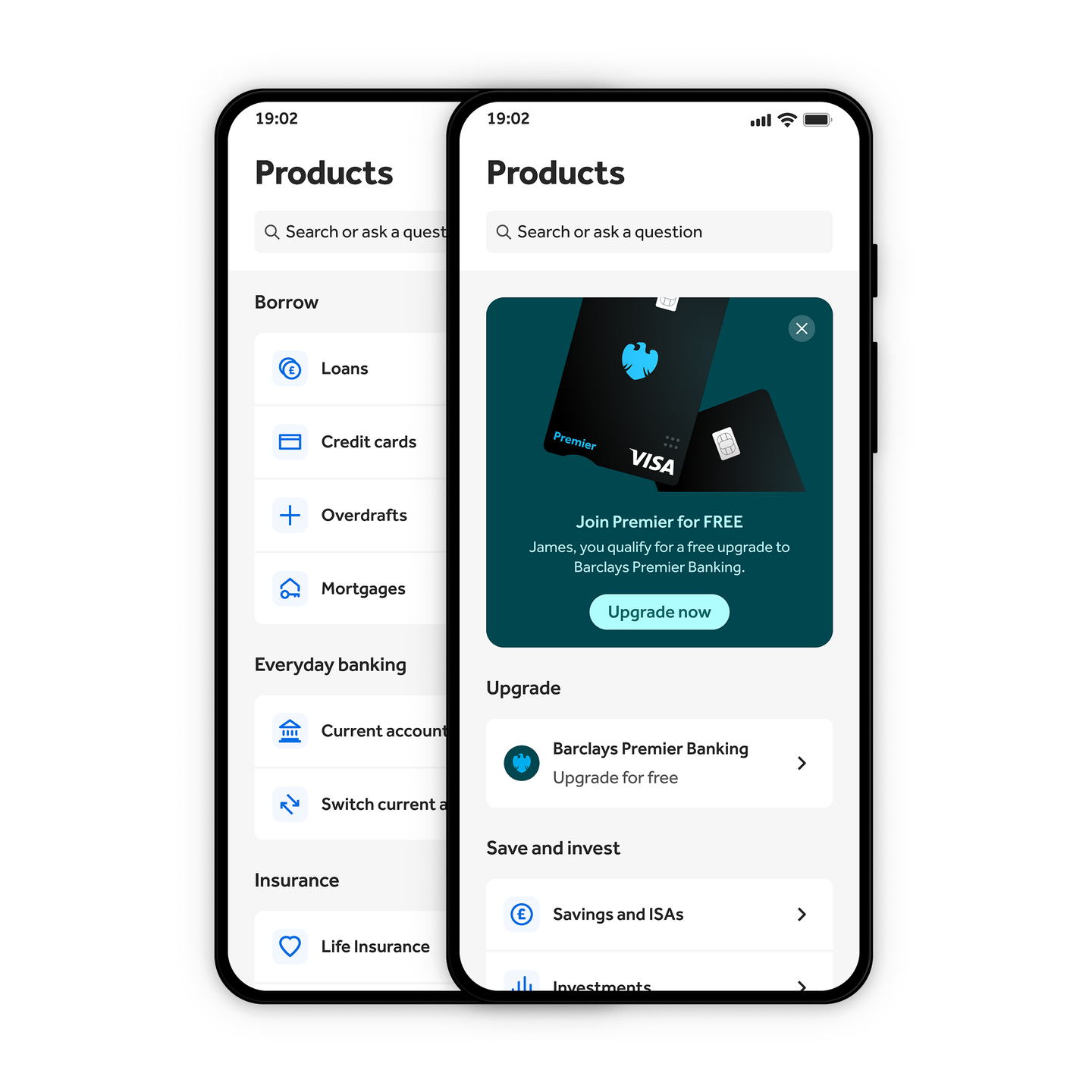
Products hub
Interested in savings and investing? Or maybe you’re looking for a loan?
From everyday banking to borrowing, explore all of our products by selecting the ‘Products’ icon on your homepage.
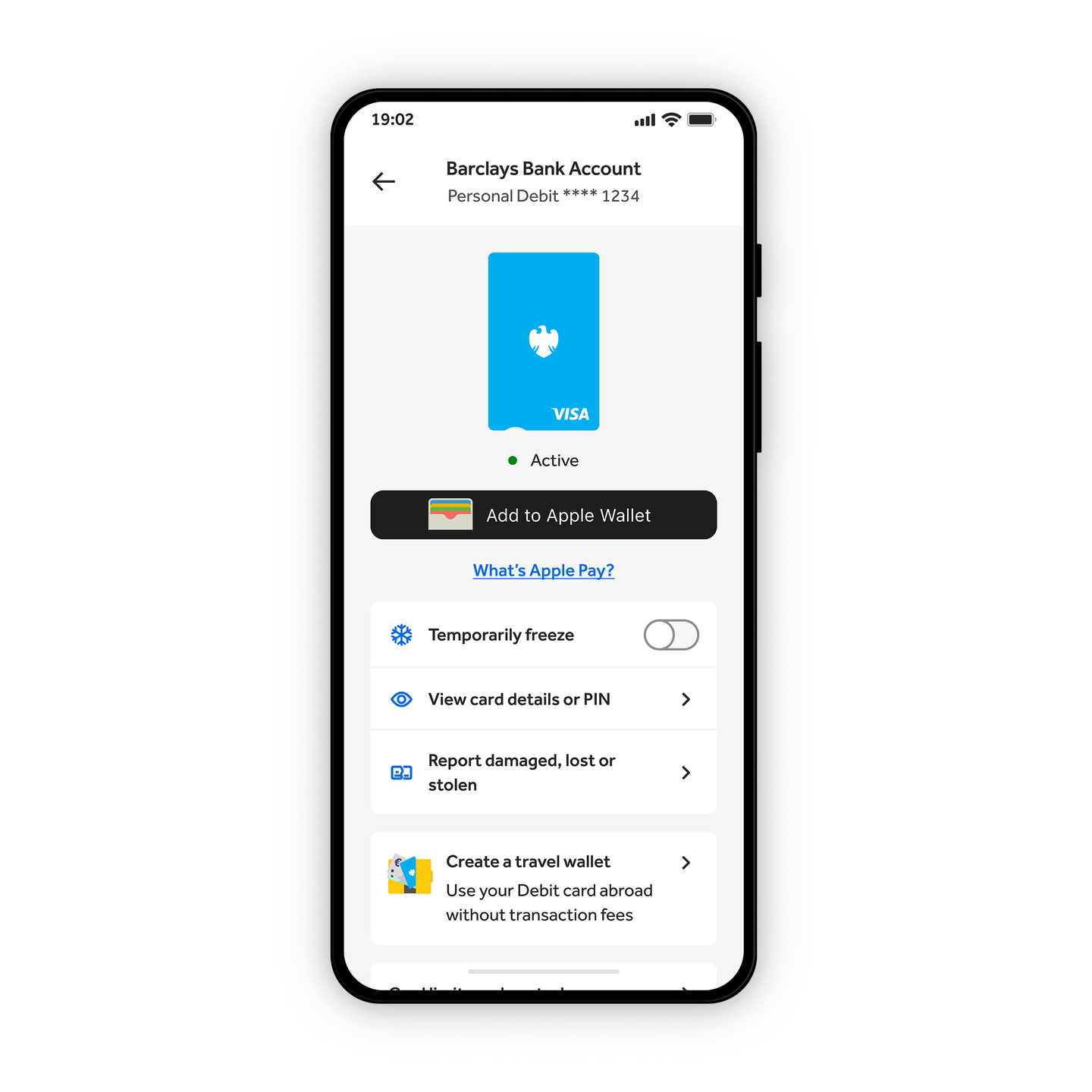
Stay in control of your card
You can set limits for different payment types, get a reminder of your PIN and view your card details. You can also temporarily freeze your card if you can’t find it or cancel it if it’s been lost or stolen.
More reasons to use the app
Pay in a cheque
Pay in cheques without having to come to us – our app can use your device's camera to take a picture and we’ll take care of the rest.
Budgeting tools
Budgeting tools that work quietly in the background. Get personalised insights on your spending to help you find ways to save.
Secure mobile banking
We use the latest security features to keep your money safe.
Cardless cash withdrawals
Cardless cash withdrawals when you need them most.
Get some help
Go to ‘Help’ to search for more info on our features and services.
Book appointments
Book an appointment whenever suits you.
Frequently asked questions
You need to be 11 or over to use the app. T&Cs apply.
Yes, but you won’t have access to all the app’s features. See what app features are available for wealth and business accounts.
No, we don’t support Android (Go edition) devices for any accounts right now. If you’re using an Android tablet, you can download the Nova Card app to see your Nova Bank accounts, even if you don’t have a Nova Card.
You may have already started to notice some changes in your app, including a refreshed login experience and a quicker way to make payments. But that’s only the start – you’ll see more new and improved features as they become available.
As part of a phased roll out, customers may see updates at different times and in different combinations while we continue to improve the experience. Your services remain uninterrupted, so you can keep banking as usual.
Download the Nova Bank app
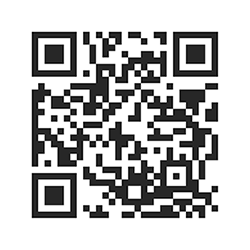
The quickest way to open a new bank account is using our app. Scan the QR code using the camera on your mobile device to download the Nova Bank app.
If you’re using your mobile device now, download it from your app store below.


Open a Nova Bank Bank Account
Scan the QR code using your phone camera to get started
Scan the QR code with your phone or tablet, or tap the App Store or Google Play buttons below to download the app and begin your application. T&Cs and eligibility apply. 18+ and UK only.


Important information
-
You need to be 11 or over to use the app. T&Cs apply.(Return to reference)